-
Game Version: 20250910.7320W
-
Platform: Steam windows
-
Mods: never used
-
Hardware Specifications & Operating System Windows 11 Pro, 12th Gen Intel(R) Core™ i7-12700H (2.30 GHz), NVIDIA GeForce RTX 3060 Laptop, 64,0 GB, Total 500GB, 99.6 available now
-
Steps to Reproduce:
I don’t have a Crash Dump Files folder or files.
- Details:
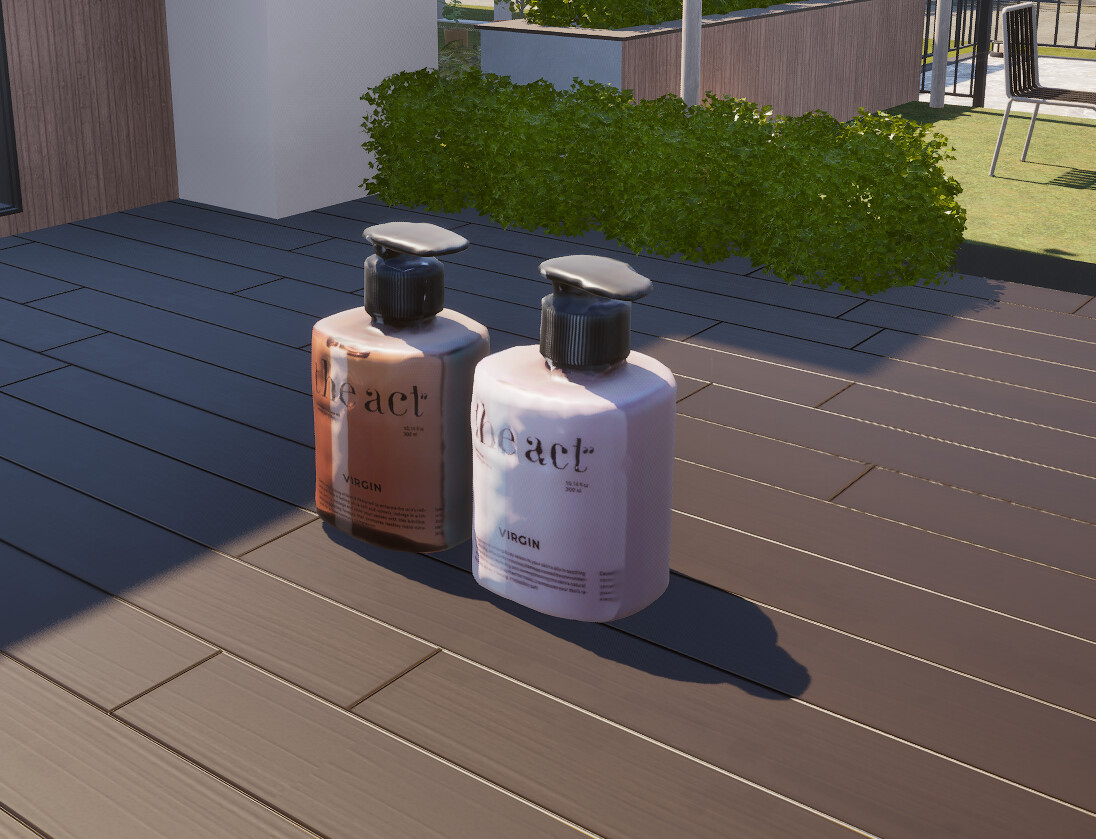
 Hello! I have a question and a problem with objects downloaded from Canvas. I’ve downloaded them from different authors, but about 90% of them are the wrong size (too huge) and almost all of them don’t fit anywhere except on the ground. Could you please tell me if there’s a way to fix this?
1 Like
Hi there! I don’t think this is a game design problem or a bug. When you make 3D objects through the printer they usually come up quite big, and then you have to resize them for them to have the size that you want. If they looked smaller in the thumbnail of the download page, it’s probably because the author downsized it. Sadly, the size changes do not carry over when downloading, so you’'ll have to do it yourself. It’s a bit tedious haha but not difficult!
4 Likes
If you click on the item, you can choose to resize it. To put it where you want, hold down the Alt key and use the arrows to move it. Be careful to check all angles when moving objects. They can look like they’re in the right position on one side, but be floating in the air from the other.
1 Like
Got it. Thank you for your answer. You helped me a lot.
1 Like
thank you!!! I searched all the forums and websites and couldn’t find any solutions. You were a great help. I tried it and it worked.